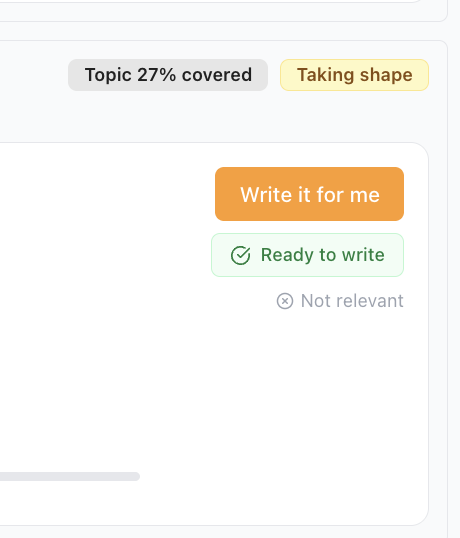
The "Write it for me" button isn't working. What should I do?
This is part of the Clinical Content System subscription. If your clinic isn't subscribed yet, you can see what the Clinical Content System includes.
Sound familiar?
You press the button and nothing happens. It seems to start and then nothing appears. It works on some plan items but not others. All of these are the same situation: report it and we will fix it.
One check first: if the button is greyed out with a padlock 🔒, that is different. It means content has not unlocked yet, which is about profile completeness, not a fault. The article "Why can't I generate content yet?" covers that one.
What's happening
If the button is clickable but does not do its job when you press it, that is not something you have done wrong, and there is no setting you are missing. It is something on our side that needs looking at, so please tell us here in the chat and we will investigate your account straight away.
Why it works this way
We ask you to report it rather than hunt for a workaround because there isn't one to hunt for: a button that should work and doesn't is ours to fix. Worth knowing while we are on the subject: it is deliberate that you press the button rather than us generating everything for you. When you create a piece, the system asks for a short clinical insight from you or one of your clinicians, and that insight is one of the things that makes the article authentically yours rather than something any clinic could have published. It takes less than five minutes per article.
What to do now
- Tell us here in the chat that the button is not working 💬.
- Name which plan items it fails on, by their titles. It is often only certain items rather than all of them, and knowing which ones lets us go straight to the fault.
- Carry on with the rest of your plan at https://content.co-kinetic.com/my-clinic/plan while we look: the other items keep working.
The next question is usually...
- What's the best way to work through my content plan?
- Why does my content credits display look odd?
- What happens once my content plan unlocks?
Still stuck? This usually means...
- The button is greyed out with a padlock. That is the unlock gate, not a fault: "Why can't I generate content yet?" explains what completes it.
- You see a "Generation failed" message. The piece didn't come out complete, so nothing was saved over your existing version. Press try again. If it fails a second time, tell us in the chat with the item's title.
- It fails on some items and works on others. Exactly the detail we need: name the failing items by title in the chat and we can go straight to the fault.
- You reported it and are waiting. The rest of the plan keeps working meanwhile; nothing you tried to create is lost, and the item will generate normally once fixed.